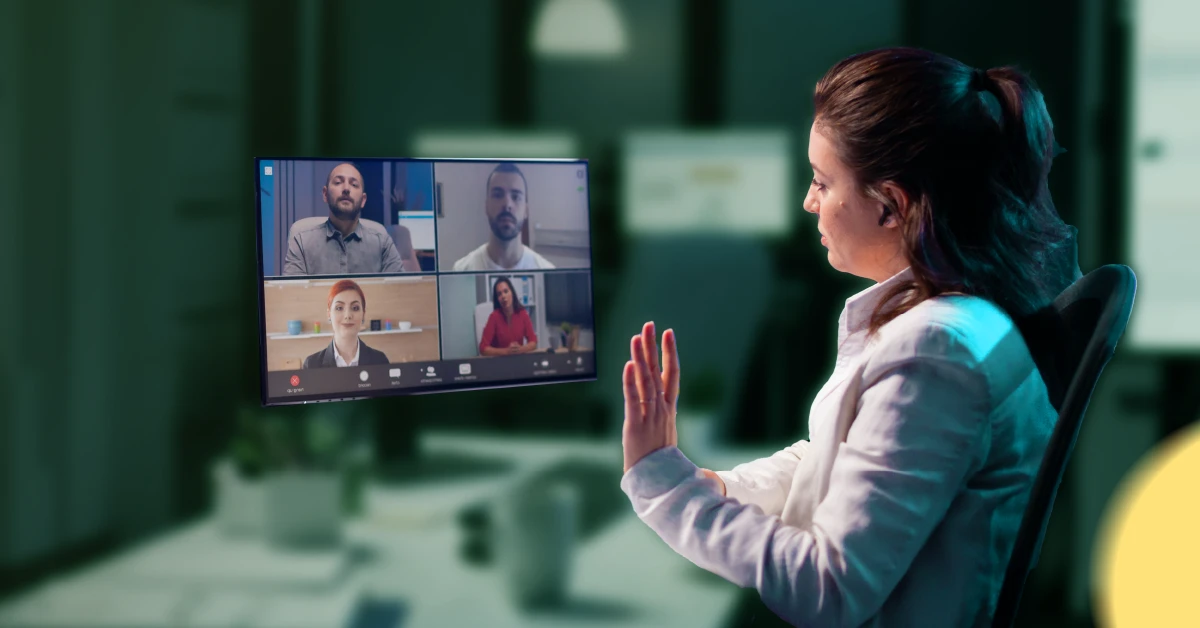

Remote PHP developers have become essential for digital agencies, eCommerce brands, SaaS companies and mid-sized businesses. Teams everywhere now rely on global talent to build websites, automate systems and maintain platforms.
According to a 2024 Statista report, more than 56% of software development teams already work with remote or hybrid structures, and that number keeps growing every year.
Hiring globally is not the challenge. The real challenge is keeping your data, code and customers safe while someone works from thousands of miles away. A single mistake or an unvetted hire can expose confidential information, disrupt your website or slow your team down.
This guide gives you clear, simple, and practical tips for safely hiring remote PHP developers without stress. No jargon. No complicated security terms. Just strategies that any business can apply.
Why Safe Remote Hiring Matters Right Now
Working with remote developers is incredibly powerful, but it also comes with risks that are easy to underestimate.
Hidden risks include:
- Unauthorised access to code or databases
- Accidental exposure of customer data
- Poor security practices in their personal devices
- Misuse of sensitive project information
- Unpredictable downtime if a hire suddenly disappears
The cost of a breach is far from small. IBM’s 2024 Data Breach Report shows the global average price of a breach reached $ 4.88 million, the highest level in years. Add GDPR penalties that can reach 20 million euros, and you can see why hiring safely is not optional.
Safe hiring is simply a system. When you follow the right steps, remote hiring becomes one of your business’s biggest competitive advantages.
1. Start With Clear Safety Planning Before Posting the Job
Many hiring problems begin before the developer even applies. Creating clarity at the start protects you later.
Identify the risk level of your project.
Some PHP projects are low risk. Others involve sensitive data. Knowing which category you fall into helps you put the right protections in place.
For example:
- Landing pages and basic CMS updates are usually low risk.
- WooCommerce or Magento development is medium to high risk because of payment data.
- SaaS platforms built on Laravel often involve sensitive user information.
Decide what the developer should access.
Simple rule: grant access only when necessary.
Think about:
- Whether they can see customer data
- If they need production access or just staging
- What admin panels need to remain restricted
- What integrations and API keys do they truly require
Add security expectations to your job description.
This step attracts the right people and filters out careless applicants.
You can mention:
- Experience with secure PHP coding practices
- Ability to work inside Git workflows
- Familiarity with 2FA, VPNs and password managers
- Strong understanding of Laravel, Symfony, WordPress or Magento
Setting expectations early helps you find the best talent efficiently.
2. Choose the Hiring Model That Protects You Best
Not all hiring approaches offer the same level of protection. The right choice depends on your needs and experience.
Freelancers
Freelancers are flexible and fast, but they are less predictable and harder to verify. They can work well for short, low-risk tasks.
Direct remote employees
A direct hire gives you control and long-term commitment, but you must manage the entire verification and onboarding process. This includes background checks, contracts, data security and compliance.
Vetted offshore talent partners
If you want structure, consistency and reduced risk, a vetted offshore staffing partner is often the safest choice.
At our company, we specialise in providing reliable remote talent from the Philippines. Our team handles screening, verification, communication checks and skill assessments, so you do not need to.
Our pricing is simple. Full-time professionals usually cost around £1200 per month, and part-time roles cost about £800. This makes it ideal for businesses that want predictable monthly costs without compromising on quality.
3. Find PHP Developers From Trustworthy Sources
Your hiring source matters as much as the developer’s skill.
Safe places to look:
- Professional staffing companies
- Remote-talent platforms to hire PHP developers
- Your referral network
- PHP-focused communities and job boards
Red flags you should avoid:
- No clear screening process.
- Lack of background checks.
- Suspiciously low pricing without explanation.
- Poor communication from the start.
- No written guarantees or legal structure.
- No clarity on contract terms or data protection.
Trust your instincts. If a platform or candidate feels risky, they are.
4. Vet Your Remote PHP Developer Thoroughly and Fairly

A safe hiring process begins with strong verification.
Confirm identity and background
Reliable developers should have:
- Valid identity documents
- Verified employment history
- Consistent timelines
- References from real past clients or managers
Reference checks are one of the simplest ways to avoid costly mistakes.
Test skills in a practical and safe way
You do not need complex tests. Instead, use small tasks that reflect real work.
Useful tests include:
- Fixing a bug in a sample script
- Writing a small Laravel feature
- Building a secure login form
- Creating a basic WooCommerce customisation
Look for clarity, structure and safe coding habits.
Evaluate communication skills
A short video call tells you a lot. Notice how they explain problems, how confident they sound and whether they communicate clearly.
Confirm culture fit
Look for:
- Responsibility
- Honesty
- Willingness to document work
- Ability to collaborate
- Respect for deadlines
The right combination of skill and character leads to long-term success.
5. Put Solid Legal Protection in Place Before Sharing Anything
Never share code, credentials or customer information before contracts are signed.
Start with a strong NDA
An NDA protects your:
- Source code
- Business ideas
- Product plans
- System architecture
- Customer data
It limits what a developer can share and gives you legal backing if something goes wrong.
Protect your intellectual property
Your contract must state:
- You own the code you are paying for
- All work produced belongs to your business
- Developers cannot reuse your code elsewhere
- Handover is required at the end of the contract
Clear ownership prevents disputes later.
Include data protection and compliance rules
If you operate in or serve customers in the EU, the GDPR applies. If you run an e-commerce business, your payment systems must comply with PCI-DSS guidelines. If you operate healthcare services, you may need HIPAA-style protections.
Choose the right legal jurisdiction
For example, we operate under UK law to protect our clients within a familiar legal framework. Always choose a jurisdiction you understand and trust.
6. Build a Secure Technical Environment Before Onboarding
Even the best developer can make mistakes if your environment lacks protection. Create a safe workspace for them.
Use secure tools and systems
Set up:
- Two-factor authentication
- Password managers
- VPN access where needed
- Private Git repositories
- Logged access trails
- Separate staging and production environments
These steps reduce accidental or intentional risks.
Give limited and controlled access
Think of access like keys to your building. You only hand out the keys people need.
Examples:
- Staging only during the first weeks
- Read-only access to data
- Limited admin privileges
- Temporary access tokens
- Only necessary API keys
This makes your environment safer without slowing the developer down.
Use safe Git workflows
Some of the safest teams follow simple rules:
- No direct commits to production.
- Required code reviews.
- Branch protection.
- Testing pipelines.
- Automatic vulnerability scans.
Even small teams benefit from these systems.
Protect your credentials and secrets
Never send passwords via chat or email. Use encrypted storage. Rotate keys when someone leaves. These small habits protect your entire business.
7. Maintain Operational Safety After the Developer Starts Working
Hiring safely is only the first step. You also need ongoing clarity.
Start with a trial period
A two to four-week trial helps you confirm:
- Skill level
- Communication style
- Work ethic
- Problem-solving ability
Give staging access only during this phase.
Set clear communication routines
Good routines make remote work feel easy.
You can use:
- Daily or weekly check-ins
- Clear deadlines
- Simple task tracking
- Quick updates on progress
- Written documentation for new features
This removes confusion and keeps your project moving.
Build continuity into your team
Avoid relying on only one person for everything.
You can:
- Maintain documentation.
- Keep code reviewed regularly.
- Use shared tools.
- Make access revocable at any time.
At our company, we also provide backup support if a team member becomes unexpectedly unavailable. It keeps your operations stable.
Safety Guidelines for Different Types of Businesses
Different industries face different risks. Understanding your category helps you hire safely.
Digital and web agencies
You often manage multiple clients. Keep access separate for each project. Use clear contracts that cover sub-processors for client work.
E-commerce businesses using WooCommerce or Magento
E-commerce stores involve customer information and payment tools. Limit access to production, keep payment gateway credentials secure and create a reliable rollback plan.
Startups and SaaS products built on Laravel
Your code is your core product. Protect it with strong IP clauses, safe Git workflows and strict access rules around authentication modules and billing systems.
Mid-sized companies with legacy PHP systems
Legacy code can be fragile. Start with read-only access and let the developer review the system before making changes. Then introduce improvements step by step.
15 Point Safety Checklist Before Hiring a Remote PHP Developer
Here is a quick checklist you can use:
- Define the risk level of your project.
- Decide access limits before hiring.
- Add security expectations in the job post.
- Choose trusted sourcing platforms.
- Verify the developer’s identity.
- Check their employment history.
- Ask for references.
- Test practical PHP skills.
- Review communication quality.
- Sign an NDA before sharing anything.
- Use a contract with clear IP rules.
- Set up secure tech tools.
- Give least privilege access.
- Start with a trial period.
- Prepare backup and continuity plans.
This simple checklist protects your business more than most people realise.
Final Thoughts
Hiring a remote PHP developer is not risky when you follow a clear, practical system. Safe hiring gives you confidence, stability, and long-term productivity. You protect your customers, your code and your business, while gaining access to global talent that helps you grow.
If you want support in hiring safely and efficiently, our company is ready to help you build a strong, secure and reliable remote team.